
Skip to content
Print once. Repoint any time.

QR codes you can change after printing.

Every QR code stays dynamic, so a menu, a badge or a poster keeps working when the campaign changes. Scans are unlimited, and tracked scans record time, place and device.

14-day free trial, no credit card.

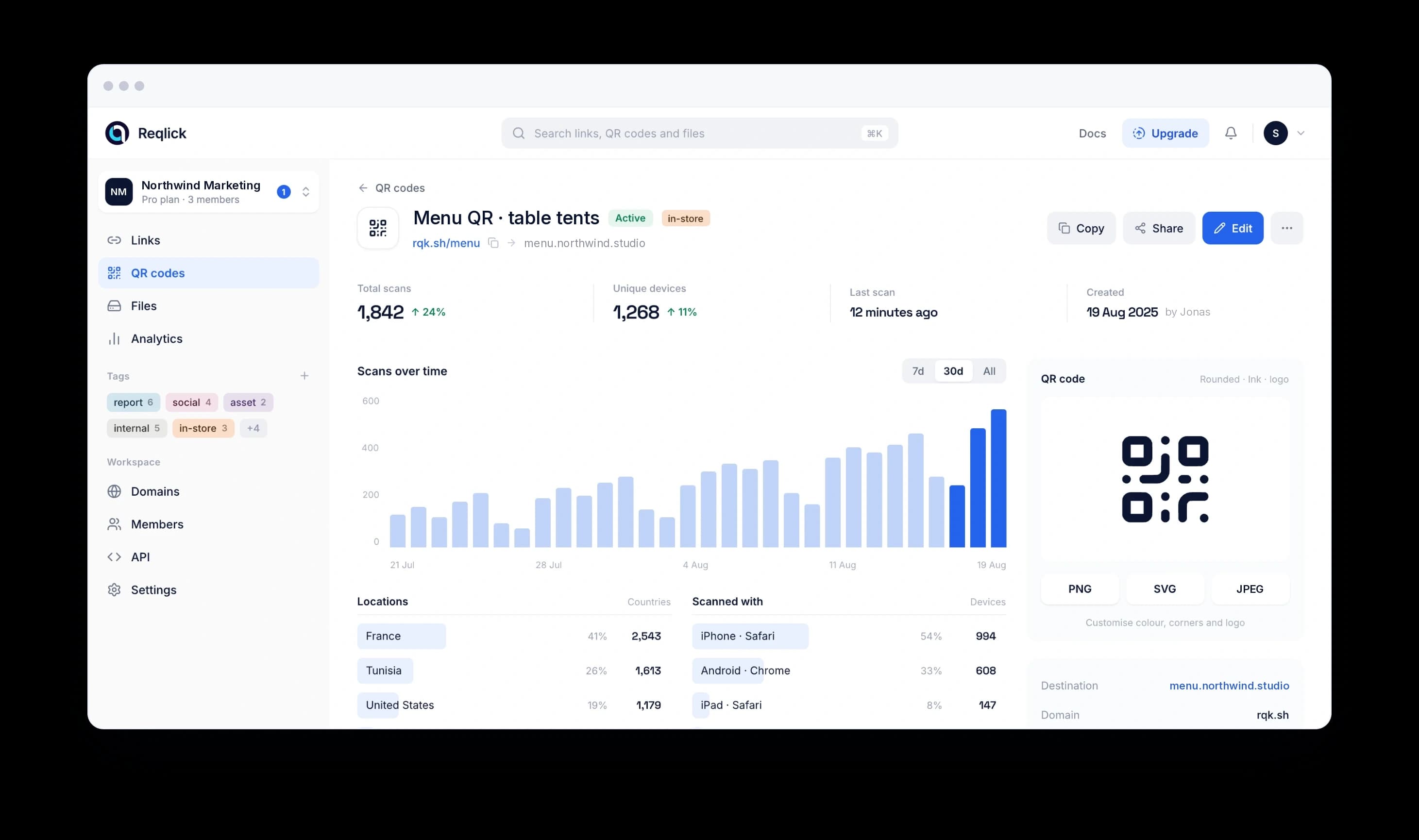
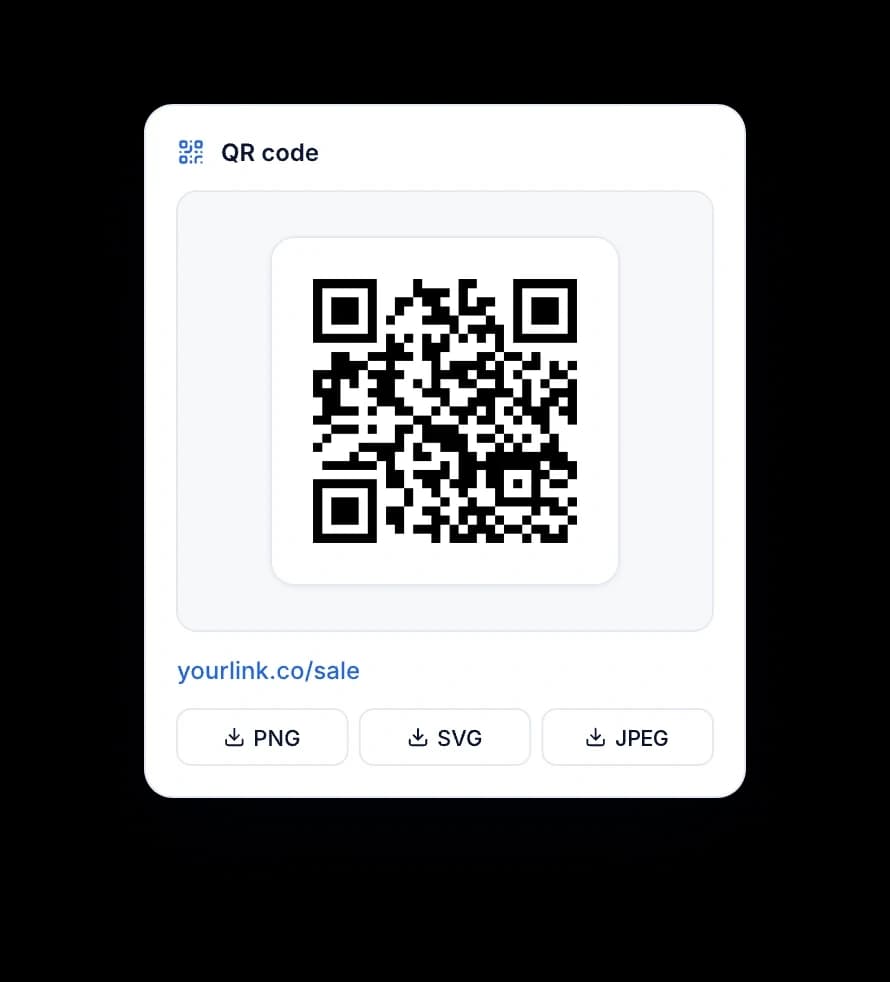
QR code card with a short link and PNG, SVG and JPEG download buttons

What every plan includes

  • Unlimitedscans on every plan

    No per-scan charges. Scans are unlimited; tracked scans follow your plan.

  • Always onyour codes keep working

    A printed code keeps resolving after a trial ends or a plan changes, unless you set an expiry.

  • About a minutefrom scan to chart

    Time, city, device and browser for each tracked scan. Bots are filtered out.

  • PNG · JPEG · SVGprint-ready downloads

    PNG and JPEG on every plan, vector SVG on Starter and up.

What you can share

One code on the table, the poster and the badge.

QR codes

Print once. Change where it points any time.

Every QR code stays dynamic, so a menu, a badge or a poster keeps working after the campaign changes. Scans are unlimited, and tracked scans record time, place and device.

Generate dynamic QR codes
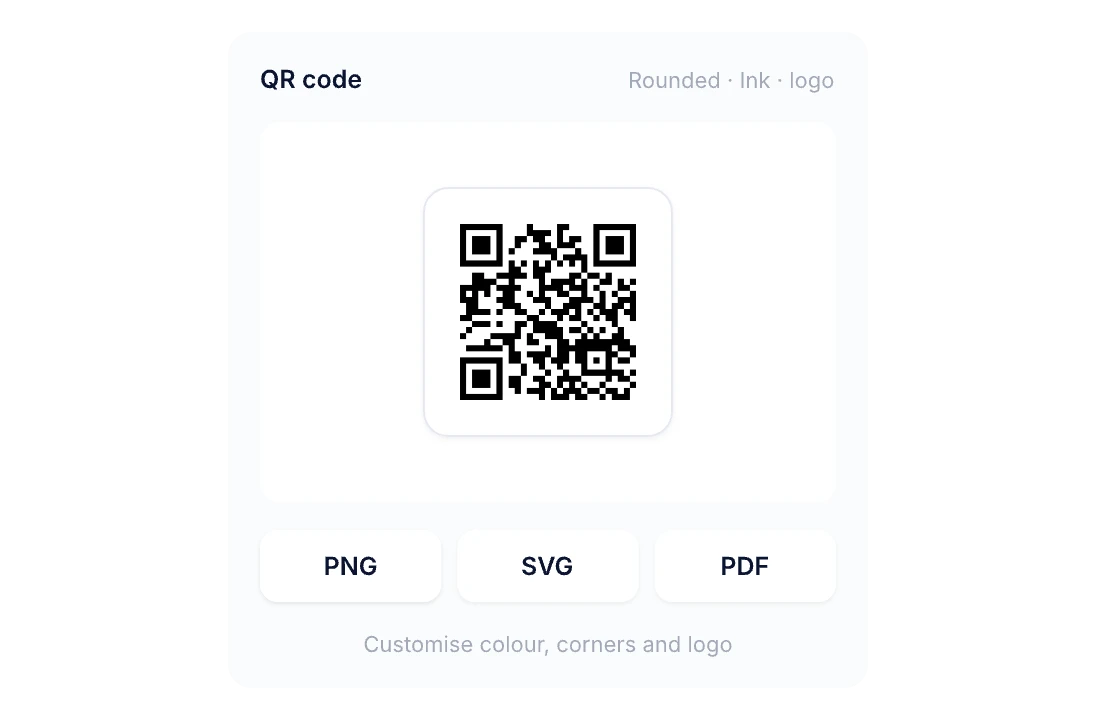
QR code card with rounded ink modules and PNG, SVG and JPEG download buttons

Files

Turn a file into a QR code too.

Upload a menu PDF or a brochure and get a code that opens it. Swap the file later, keep the code.

File to QR code
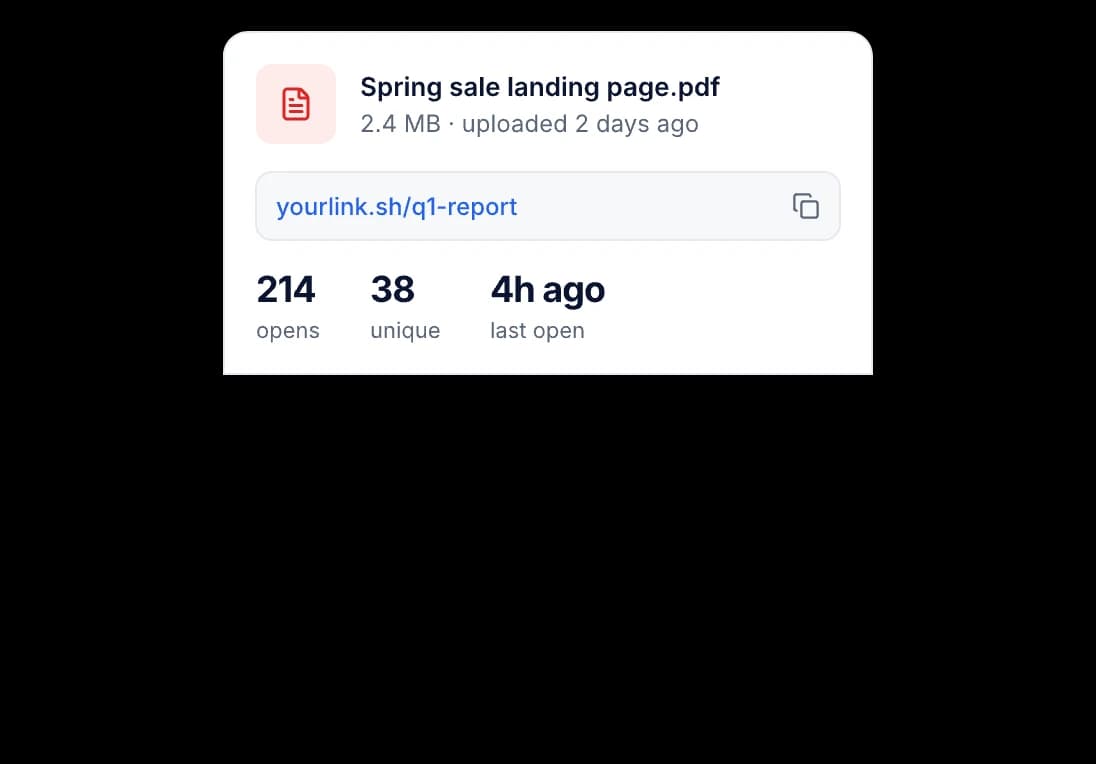
Tracked PDF card showing its short link, 214 opens, 38 unique visitors and the last open 4 hours ago

Make it yours

Designed to match the print it sits on.

QR codes

Your colours, your corners, your logo.

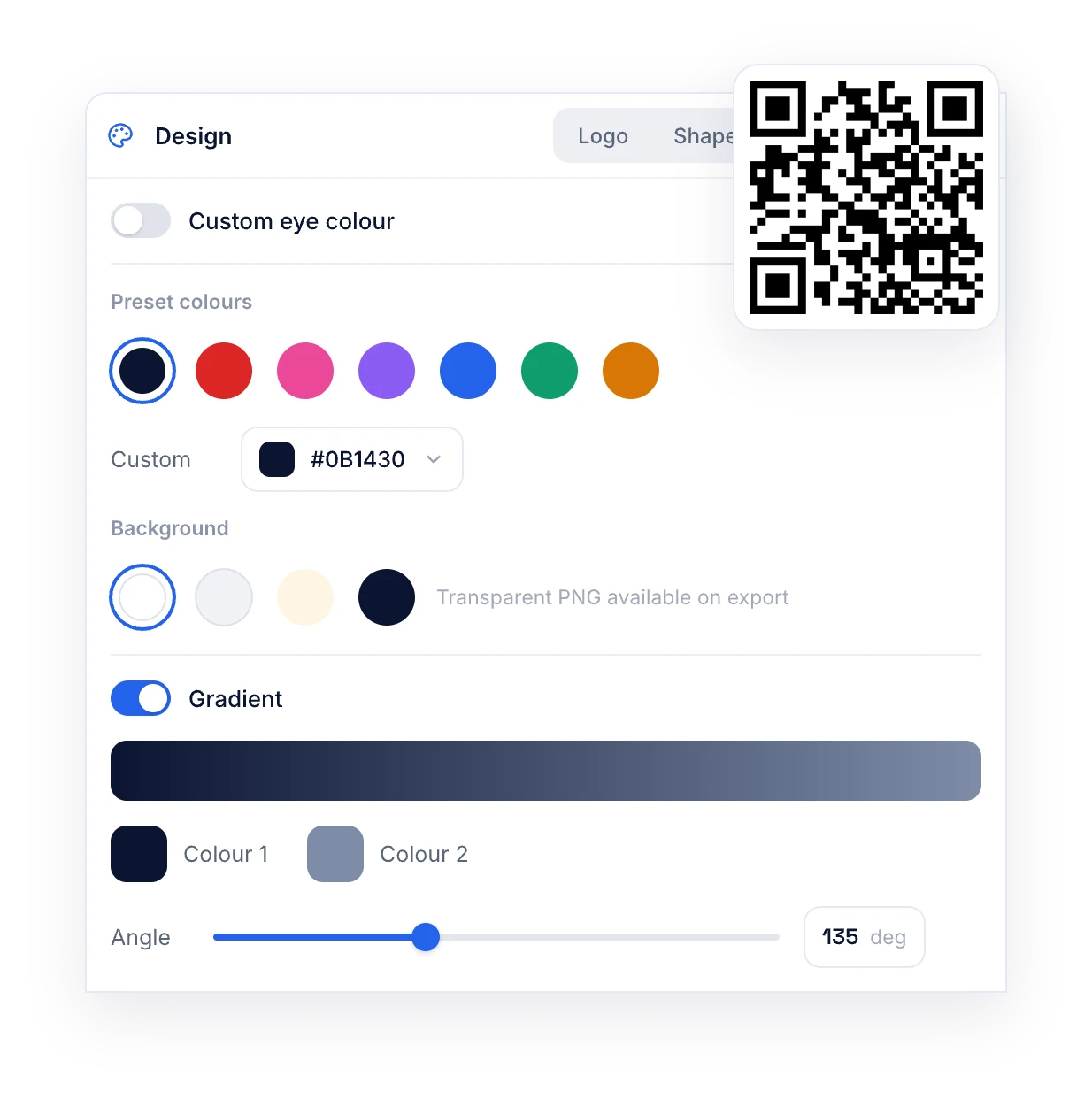
Pick a preset or your brand hex, round the modules, drop your logo in the centre. The code keeps about 25% error correction so it still scans.

QR code design panel with preset colours, a custom hex colour, background swatches and a gradient, next to a styled QR code

Logo in the centre

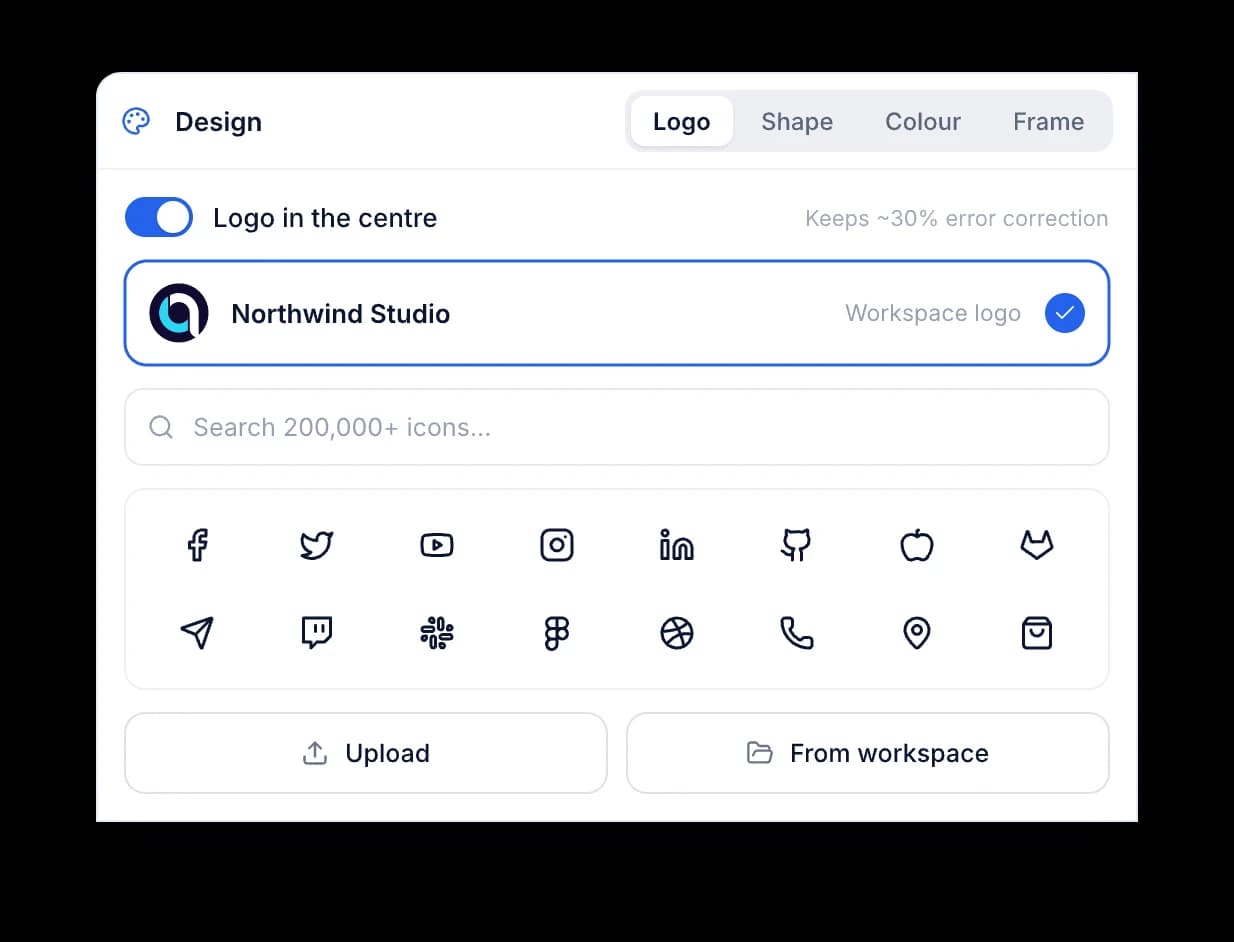
Your workspace logo, an upload or an icon.

Upload a mark or pick an icon from the library. Reqlick keeps error correction high so the code scans first time.

QR logo panel with the workspace logo selected, an icon search field and a grid of brand icons

Shape

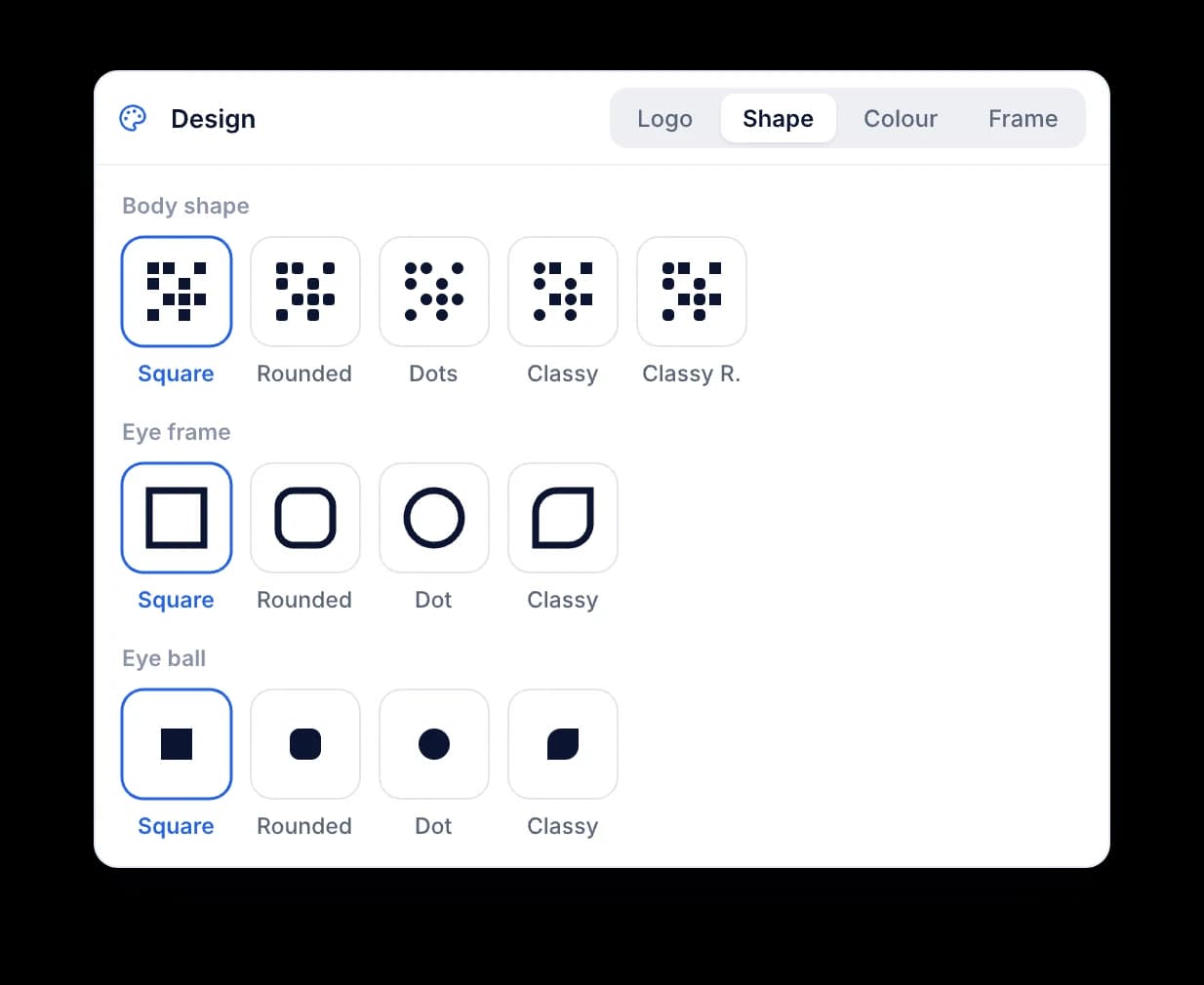
Square, rounded or dots. Eyes to match.

Pick the module shape and the eye style. The preview updates as you click, and every download uses the same design.

QR shape panel with body shapes square, rounded, dots, classy and classy rounded, and matching eye frame and eye ball styles

Edit after printing

Change what it opens, not what you printed.

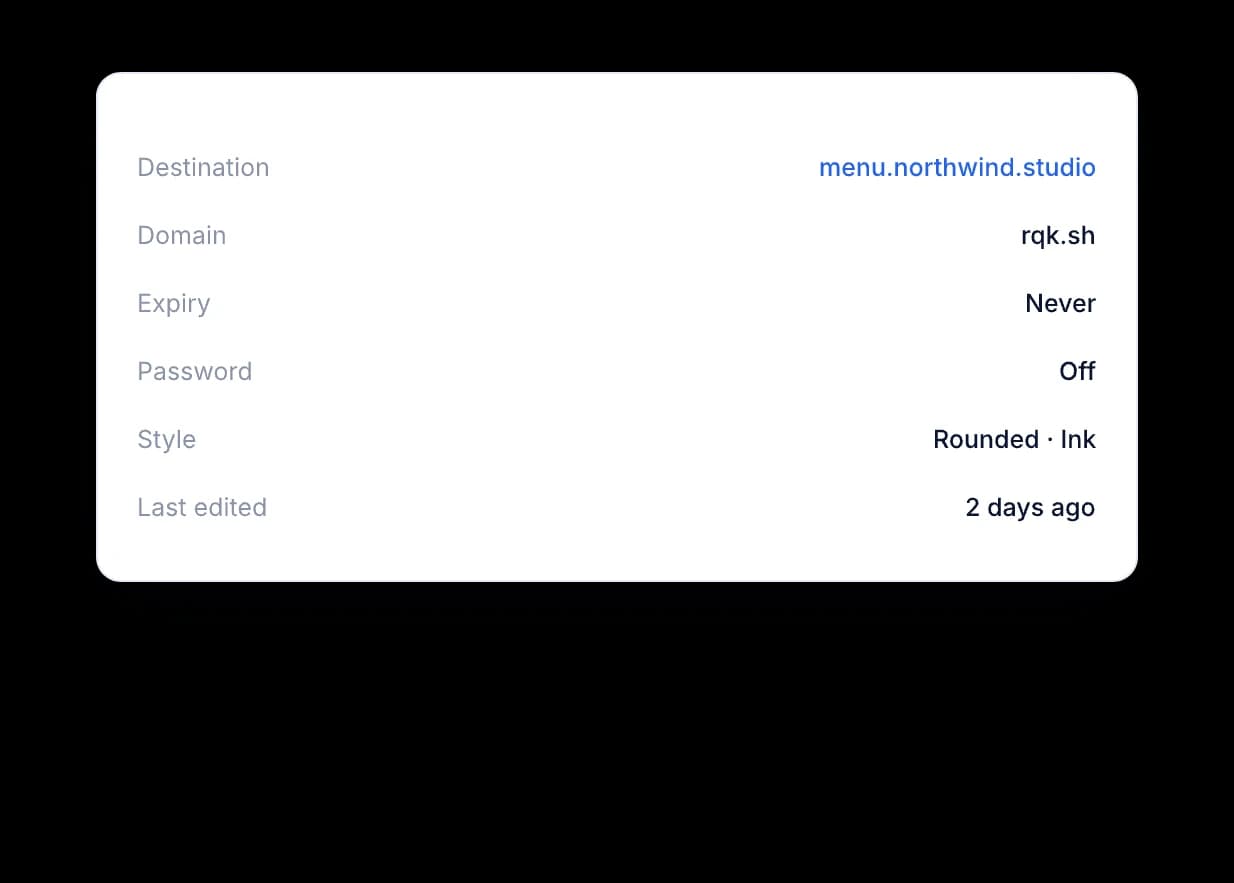
Destination, expiry and password live on the code's page. Change them and the printed code keeps working. Expiry and password are on Pro and up.

QR code details listing destination, domain, expiry, password, style and last edited date

Live preview

See the final code while you design it.

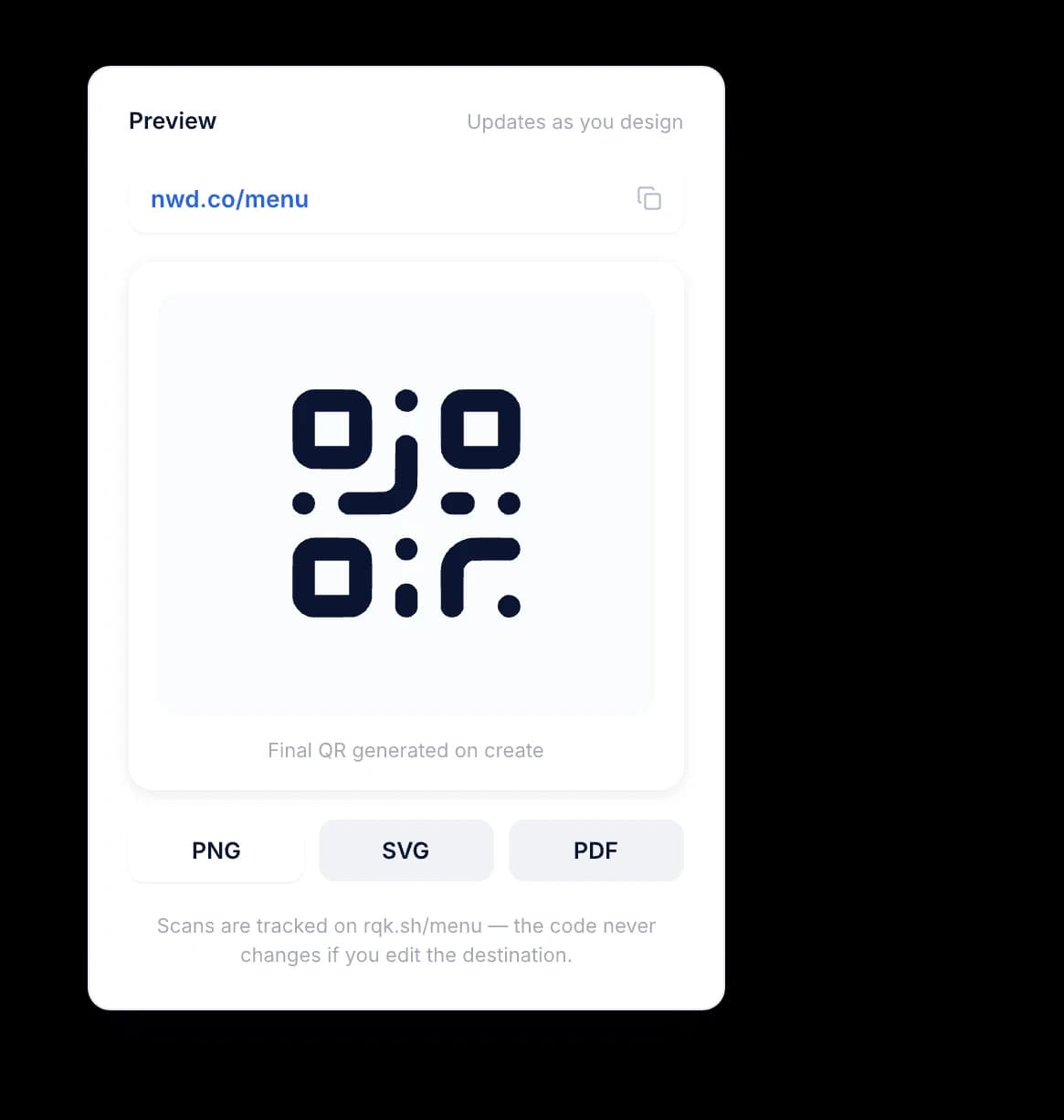
The preview updates as you pick colours, shapes and a logo, so you see the code before you create it.

Preview panel with the short link, a styled QR code and PNG, SVG and JPEG download buttons

Bulk download

Download a batch of codes in one go.

Select several codes on the QR codes page and download them together. PNG and JPEG on every plan, SVG on Starter and up.

Print-ready

Vector for the printer, PNG for the web.

  • For the web and social

    On every plan, for the web, email and social posts.

  • For print at any size

    A vector file that scales without blur. Starter and up.

  • For documents and slides

    On every plan, with a solid background.

Questions

Your questions, answered.

What is a QR Code?

A QR code, or Quick Response code, is a two-dimensional barcode with black squares on a white background that can contain different kinds of data, such as text, URLs, contact information, or other alphanumeric information. It is designed to be easily scanned and decoded with a smartphone or dedicated reader for quick access to information or links without needing any manual input.

What can a QR Code do?

A QR code is a highly versatile tool that can encode numerous types of data. This makes it an ideal way to interact with users quickly and conveniently. When scanned, one can be directed to websites, provide contact information, compose emails, set up Wi-Fi access, supply geolocation data, show event details, dispense product info, enable mobile payments and even direct users to social media profiles--all in a few simple steps! Its versatility and ease of use make QR codes a valuable asset in many contexts; they improve user interaction while providing easy access to different kinds of information.

How many QR Codes can I generate?

The number depends on your plan: Starter (50 QR codes), Pro (300), or Business (3,000). Enterprise has custom limits, set with sales. All plans include unlimited scans.

Why Choose Reqlick?

Reqlick helps businesses create, manage, and optimize links and QR codes from one simple dashboard. It is built for teams and creators who want full control over branding, tracking, and link performance without juggling multiple tools.

Print the code once. Change your mind as often as you like.

Create short links, QR codes and file links with tracking built in. Try Reqlick free for 14 days.

No credit card required.