

Files
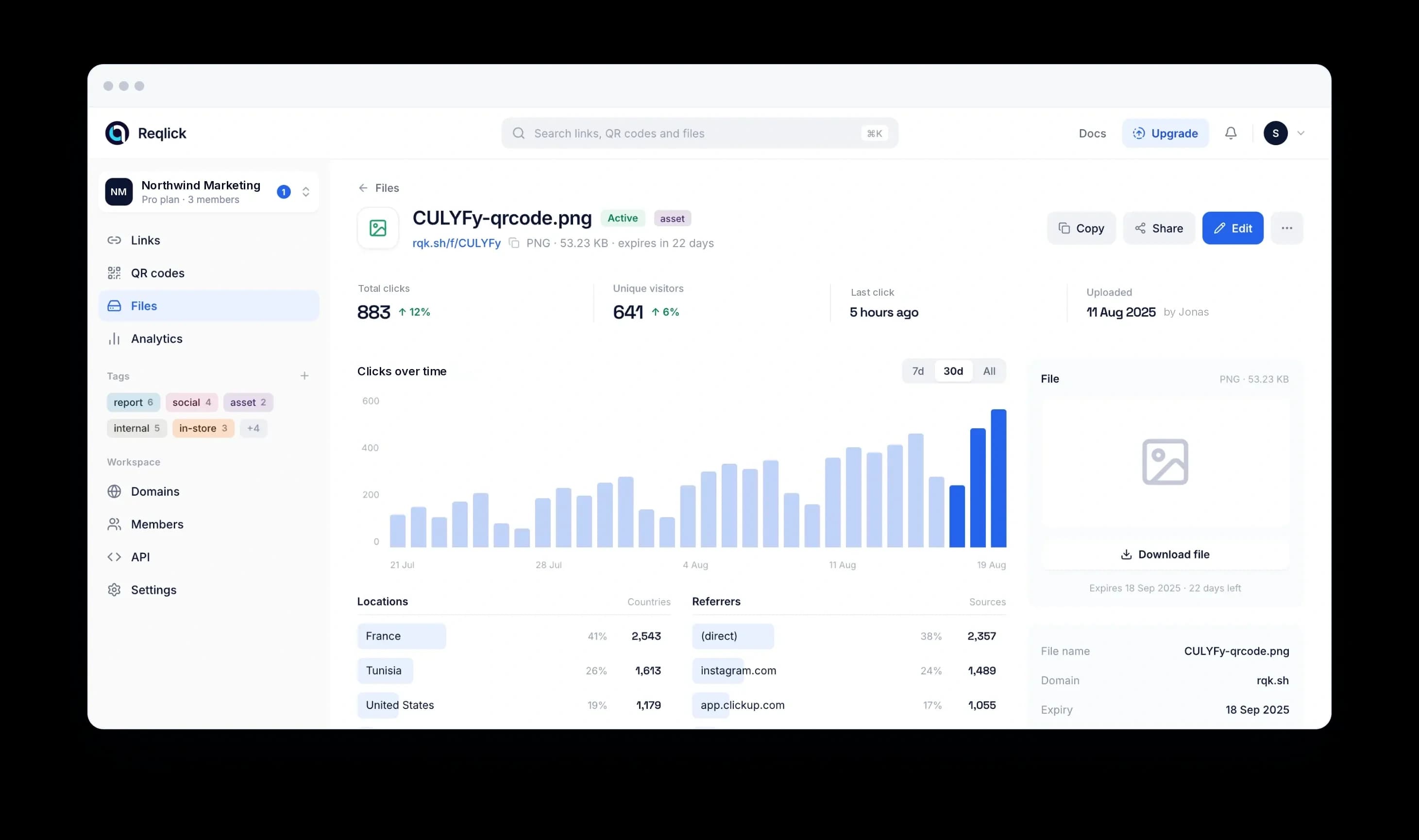
One card per file, with opens beside it.
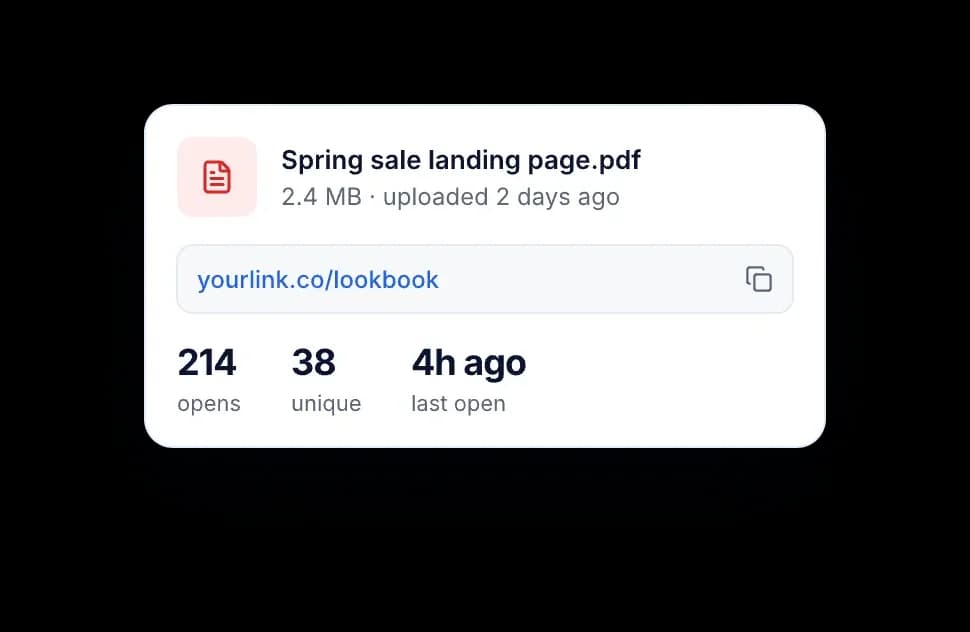
Name, size, short link and open count on one card. Replace the file behind the link without sending a new one.
Convert files to links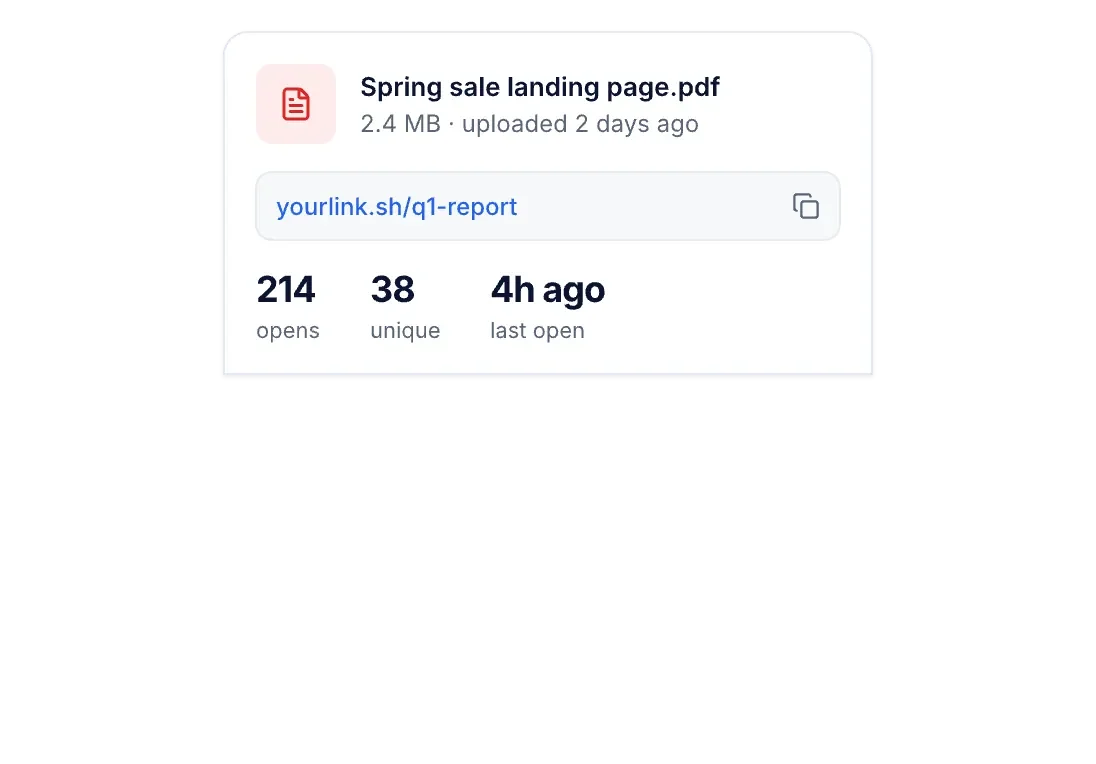
Upload a file to get a short link on your domain, or a QR code. Opens are counted, and you can swap the file without changing the link.
14-day free trial, no credit card. Links resolve on rqk.sh or your own domain.
PDF, video, image, deck or ZIP. No conversion, no viewer to install.
10 GB on Starter, 50 GB on Pro. Files stay until you delete them.
See when the proposal was opened, from where, and whether it was opened again.
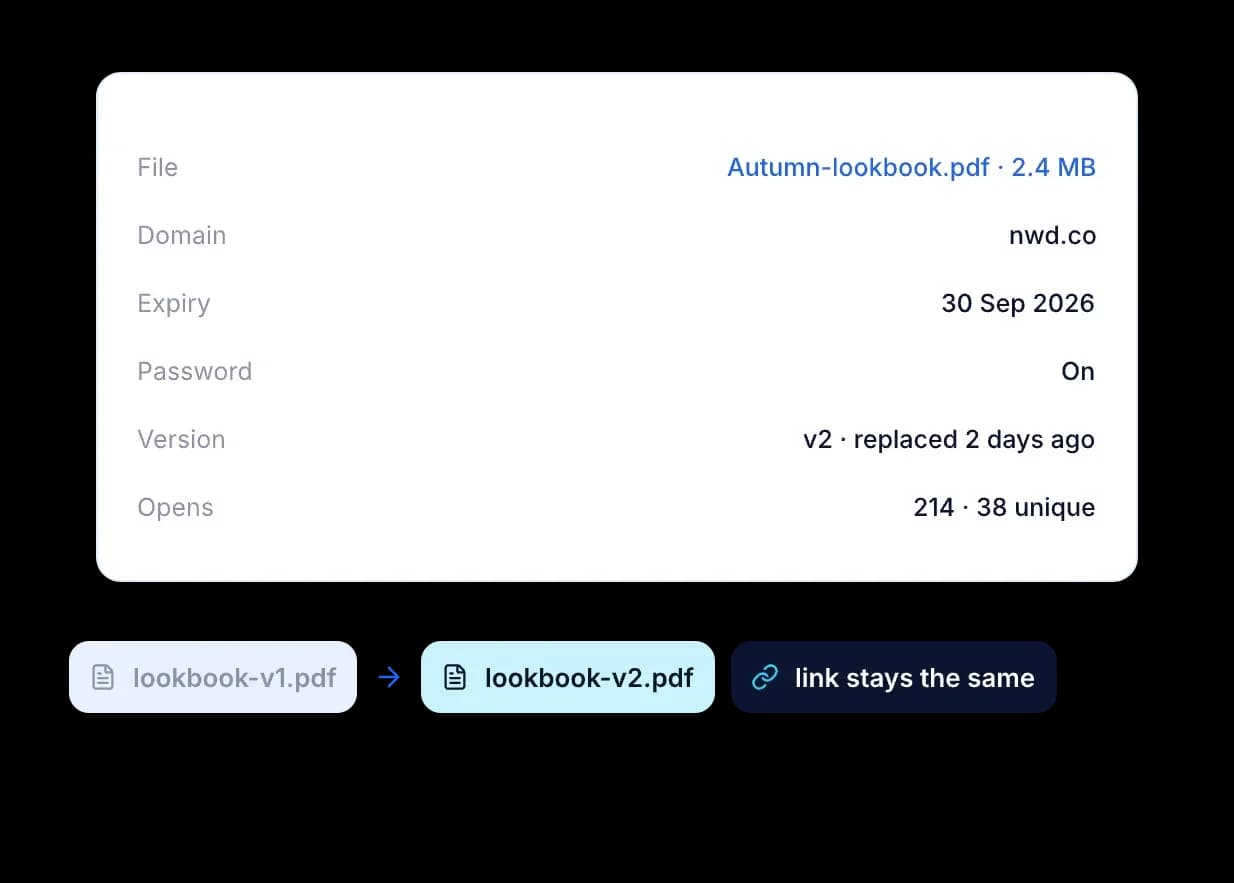
Replace v1 with v2. The link and the QR code you already sent stay the same.
What you can share
Files
Name, size, short link and open count on one card. Replace the file behind the link without sending a new one.
Convert files to linksQR codes
Print it on the brochure or the badge. Scans count as opens, and the file behind the code can change.
Generate dynamic QR codes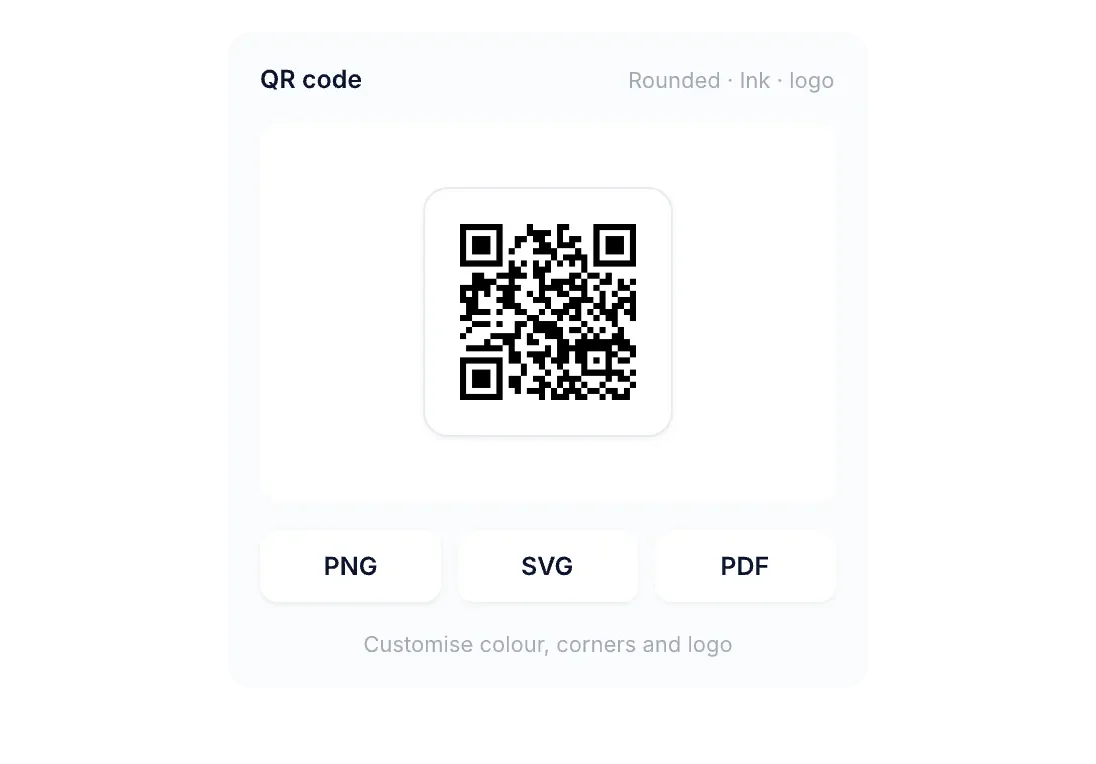
Upload
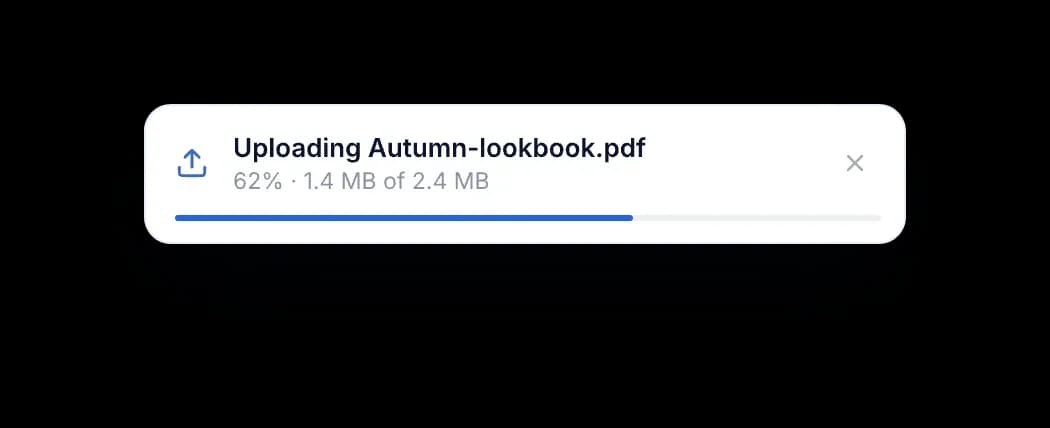
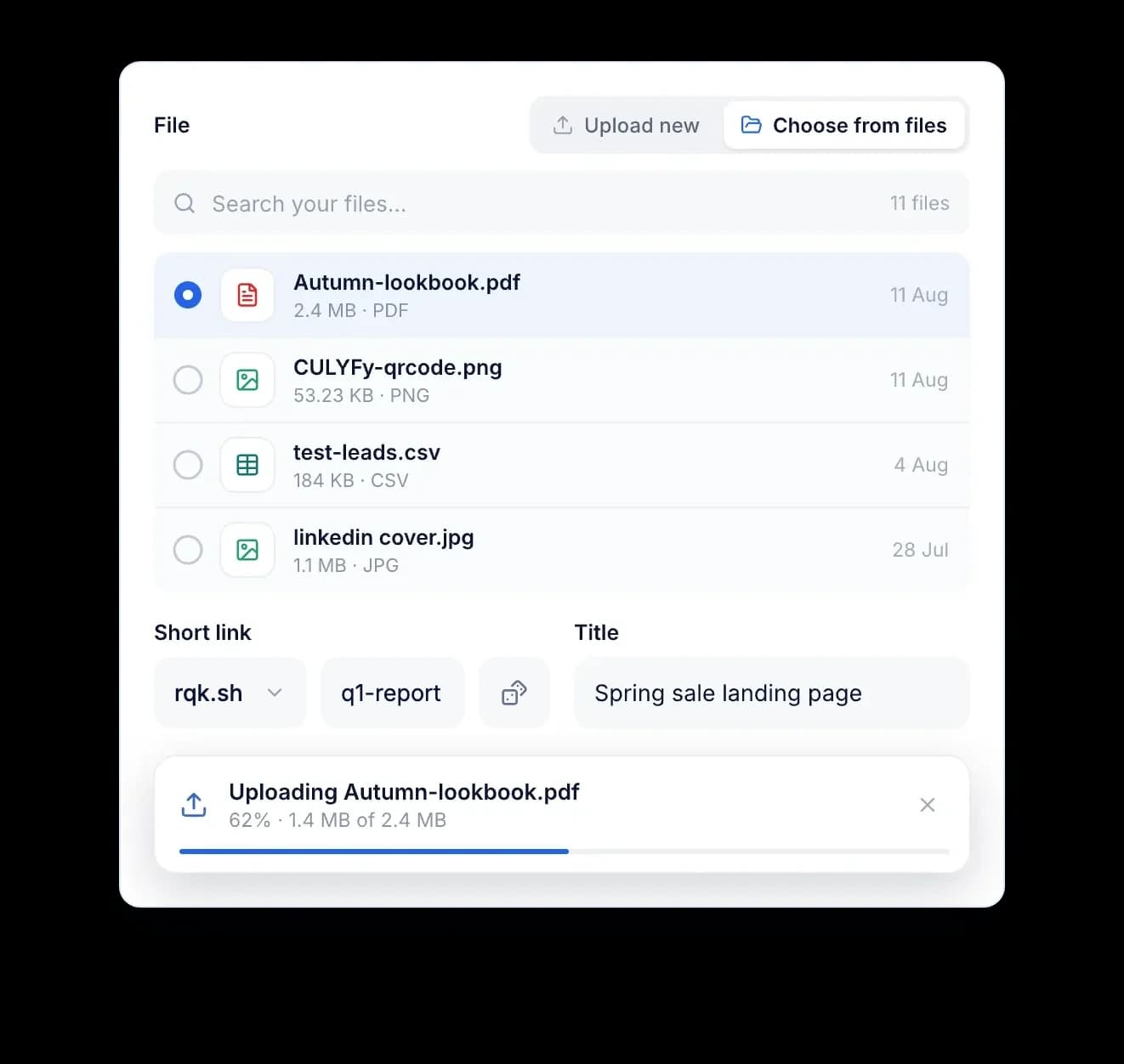
Drag a file onto the form, choose it from your computer or pick one you uploaded before. The short link is ready when the upload finishes.
Replace
Upload a new version from the link's edit form. Everyone who has the link or scanned the code gets the new file. The open count carries on.
Make it yours
Sharing
Set the image, title and description the file shows when its link is pasted into Slack, LinkedIn or WhatsApp.

Files
PDF, video, image or deck up to 500 MB each. Add tags on any plan, or a password and expiry date on Pro and up, then share one link that counts opens.
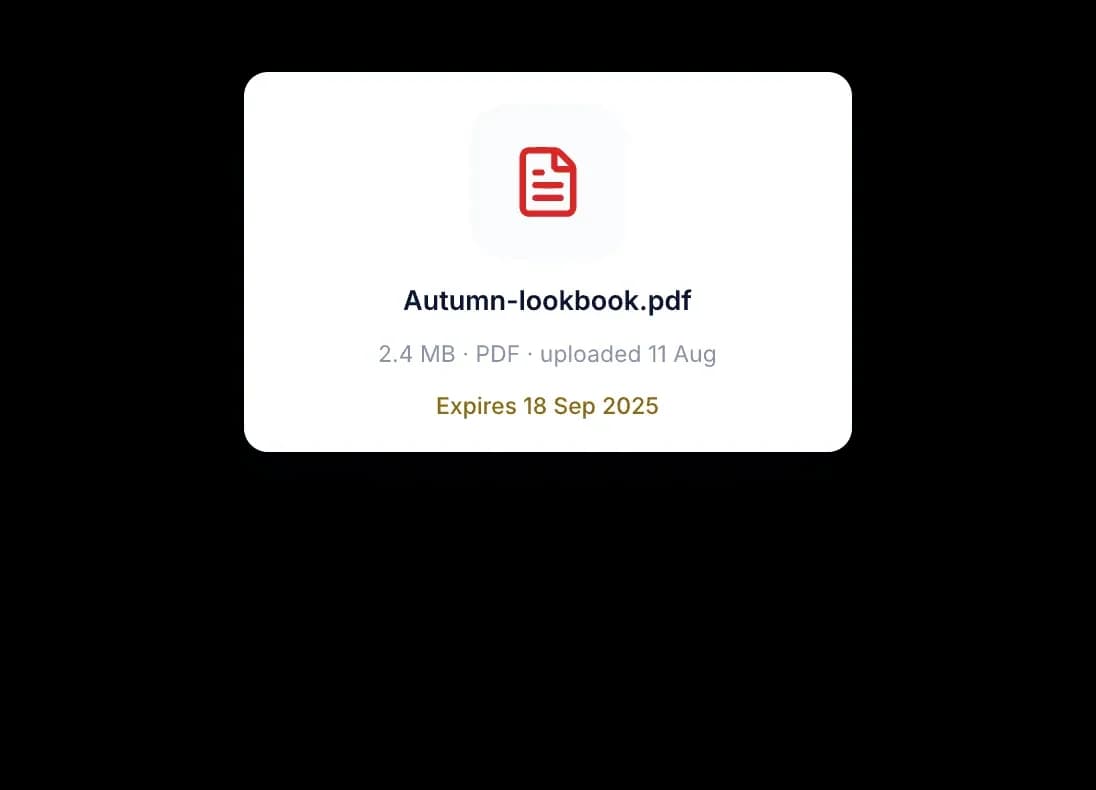
Any file type
Something else? Ask sales or read the docs.
A file-to-link tool provides an easy and convenient way for users to convert various types of files, including PDFs, PowerPoint presentations, Excel spreadsheets, images, videos and more into shared links. Not only does this enable simple sharing of these files but also allows users to keep an eye on how recipients interact with the shared content; obtaining data about metrics such as views, unique visitors and average visit time for each file. Through this functionality, users can adjust how they share files based on what the numbers show.
File-to-Link turns a PDF, presentation, photo or video into a short link you can share anywhere. People open it in the browser, so nothing arrives as a large attachment. Every link records opens, unique visitors, return visits, and how long a visit lasts on average. That tells you whether a proposal was opened before you follow up on it.
File upload limits vary by plan: Starter (100 files, 10 GB storage), Pro (500 files, 50 GB), or Business (5,000 files, 500 GB). All plans accept PDFs, images, Office files, MP4 and MOV videos, and ZIP archives. You can also convert files directly to QR codes.
Reqlick helps businesses create, manage, and optimize links and QR codes from one simple dashboard. It is built for teams and creators who want full control over branding, tracking, and link performance without juggling multiple tools.
Create short links, QR codes and file links with tracking built in. Try Reqlick free for 14 days.
No credit card required.